Realme 16 Pro 5G (RMX5120) Stock Firmware | RMX5120 Flash File Official Realme 16 Pro 5G | Realme 16 Pro 5G Flashing Guide

How to Flash Realme 16 Pro 5G (RMX5120) Stock Firmware Fix Software Issues Is your Realme 16 Pro 5G (RMX5120) running slowly, stuck on the boot loop logo, or facing frequent system crashes? Flashing the official stock firmware file is the most effective way to repair these deep-seated software glitches. This technical guide walks you…
Read More

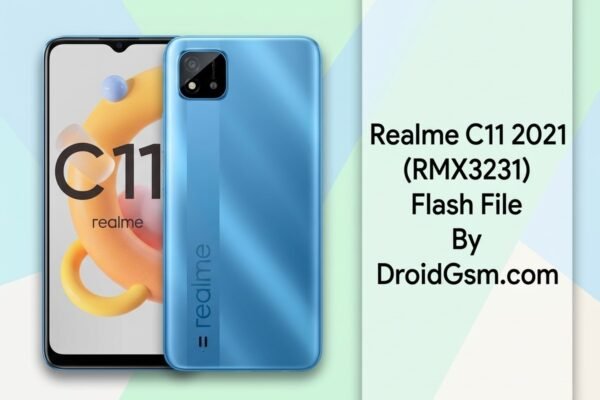
Realme C11 2021 RMX3231 How To Flash | Hang On Logo | Restart At Logo After Format Via UMT SPD Tool RMX3231 | RMX3231 Stock Rom

Realme C11 (2021) RMX3231 Hang on Logo, Dead Boot, Screen Lock, and FRP Lock The Realme C11 (2021) (RMX3231) is an affordable smartphone powered by the Unisoc SC9863A platform. Like many budget Android devices, it frequently encounters software glitches such as being stuck or hanging on the logo boot loop, suffering a dead boot error after…

Read More

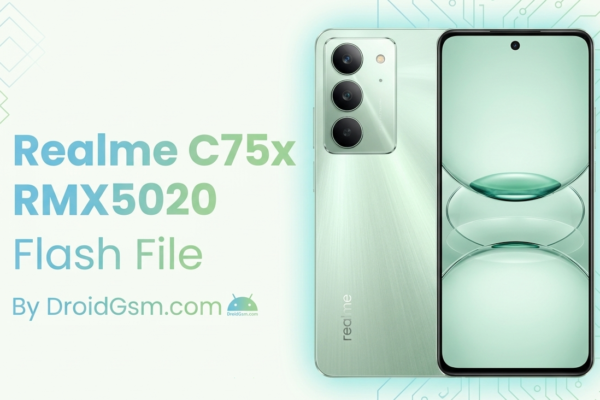
Realme C75x (RMX5020) Official Flash File | Realme C75x RMX5020 Stock Rom Download | Realme C75x Flashing Firmware RMX5020

Realme C75x (RMX5020) Flashing If your Realme C75x (Model RMX5020) is struggling with software issues like stuck bootloops, system lag, application crashes, or an entirely black screen (dead boot), flashing the stock firmware is the ultimate solution. Installing the official flash file completely overrides corrupt system files and restores your device to factory settings. 🛠️…

Read More

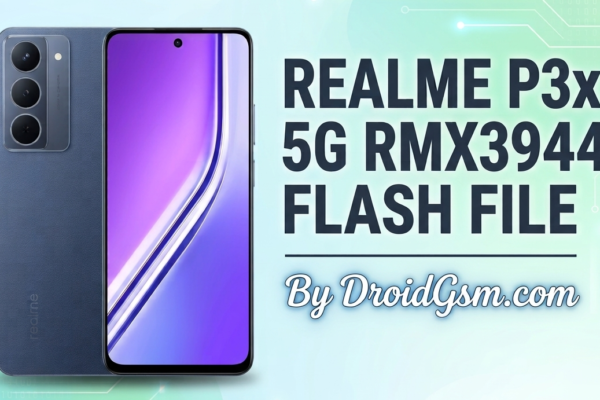
Realme P3x 5G RMX3944 Official Flash File | RMX3944 Stock Firmware | Realme P3x 5G Firmware Flashing RMX3944

Complete Flashing Guide for Realme P3x 5G (RMX3944) Stock ROM Installation Flashing the official stock firmware on your phone is the ultimate solution to fix severe software glitches. Whether your device is trapped in a bootloop, showing a black/blank screen, experiencing touch unresponsiveness after an update, or requiring an FRP bypass, reinstalling the Stock ROM…

Read More

Realme Android 15 To 14 Rollback Packages | Realme Android 15 To 14 Downgrade OTA Files | Realme Official Rollback Package Android 15 to 14

How to Downgrade Realme Devices from Android 15 to Android 14 (Realme UI 6.0 to 5.0) Upgrading to a new operating system like Android 15 (Realme UI 6.0) brings an array of modern features, but it can occasionally introduce bugs, application crashes, battery drain, or performance lags. If you are encountering stability issues on your…

Read More