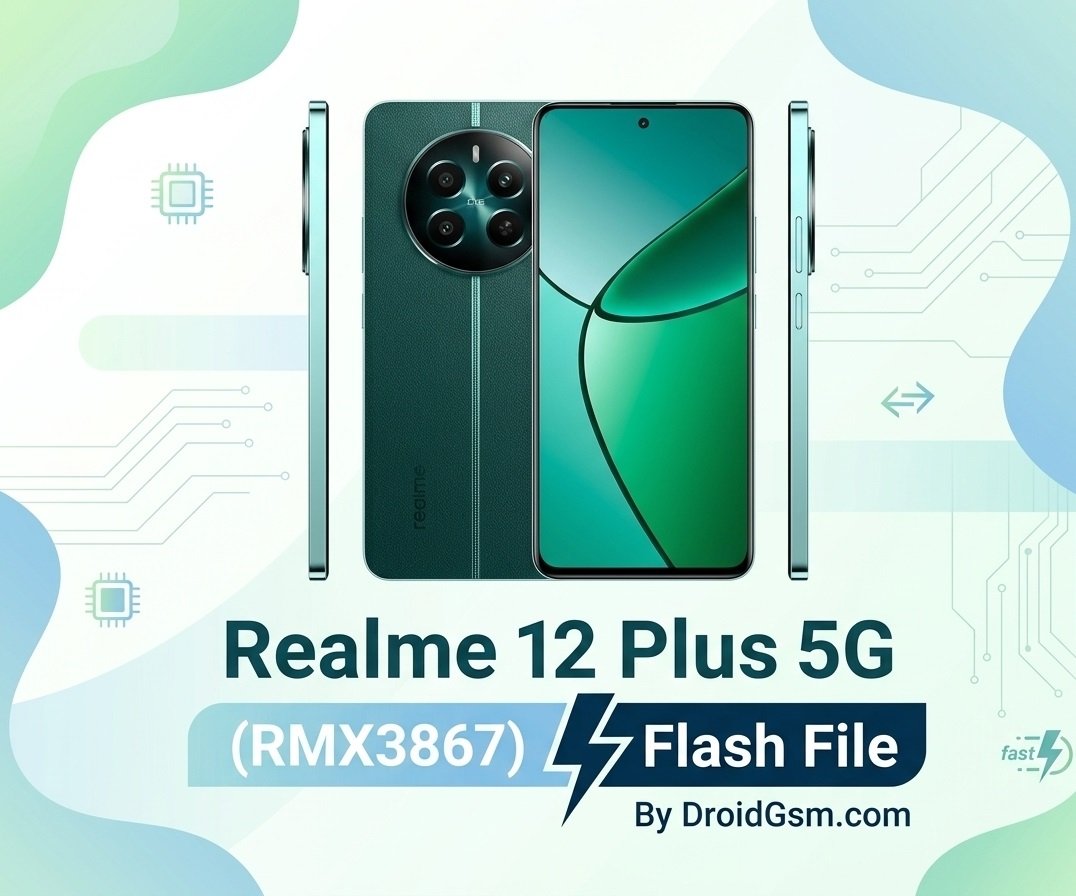
How to Flash Realme 12 Plus 5G Firmware (RMX3867)
Easily repair system crashes and software errors on your device. Flashing the official stock firmware on your Realme 12 Plus 5G (Model: RMX3867) is the ultimate way to reset your device. It solves severe software bugs, boot loops, system lag, and frozen screens. This step-by-step guide will help you install the official factory software to bring your device back to life.
Realme 12 Plus 5G (RMX3867) Specifications:-
Before working with your device, ensure you match the correct model numbers. Here is a quick look at your hardware
- Processor: MediaTek Dimensity 7050 5G
- Display: 6.67-inch FHD+ AMOLED, 120Hz
- Rear Camera: 50MP Sony LYT-600 OIS
- Front Camera: 16MP AI Selfie
- Battery: 5,000 mAh with 67W SUPERVOOC Fast Charge
- Operating System: Realme UI based on Android
Important Things to Check First:-
Flashing code updates your phone’s deep internal structure. Protect your hardware by completing these tasks before starting:
- Save Your Data: This process deletes everything. Make sure to back up your personal photos, files, and contacts.
- Charge the Battery: Keep your phone’s battery level at 60% or higher so it does not power down mid-process.
- Use a Good Cable: Connect using a high-quality, reliable USB cable to avoid connection errors during installation.
How to Flash Realme 12 Plus 5G Stock Firmware:-
Step 1:- Prepare Your Computer Tools
- Download and install the MediaTek (MTK) USB Drivers on your Windows computer. This allows your PC to talk to your phone.
- Download the official upgrade or tool client from the Realme Support Software Update Portal.
Step 2:- Set Up Your Phone
- Go to Settings > About Device > Version.
- Tap on the Version Number 7 times until a note says “Developer Mode is Active”.
- Go back to main settings, open Developer Options, and turn on USB Debugging.
Step 3:- Local Installation / Rollback File Route
If your device still turns on and you are fixing system bugs or moving back to an older system state, follow these steps:-
- Download the Official Firmware Package (OTA) archive directly to your phone’s internal storage.
- Turn off your Wi-Fi and mobile data networks.
- Go to Settings > About Device.
- Click on the software version banner at the top, then click the three dots icon in the corner.
- Select Installation package (or Local Install), pick your downloaded file, and let the system verify and extract it.
Step 4:- For Hard-Bricked Devices (Flashing via PC Tool)
If your phone is stuck in a boot loop and cannot open settings, use the desktop upgrade tool tool:-
- Open your computer’s upgrade tool and load the extracted firmware scatter map file.
- Click Download or Start.
- Turn off your phone completely.
- Press and hold the Volume Up and Volume Down keys together. Keep holding them while connecting the phone to the computer using your USB cord.
- The software will detect the MediaTek chip and begin writing data. Do not touch the phone until a “Success” window pops up.
Official Firmware Download Link:-
Always download original safety packages. You can download the verified rollback and stock files directly from the brand server:-
- Official Flash Packages: Realme Software Hub
- Direct RMX3867 Recovery Rollback Link: Official Realme Server Download Package.
Realme 12 Plus 5G RMX3867 Firmware Global Firmware
RMX3867export_11_A.15_2024022419180105
RMX3867export_11_14.0.0.513EX01_2024110110260119
RMX3867export_11_15.0.0.600EX01_2025041210270000
RMX3867export_11_16.0.5.700(EX01)_2026041418240214 Project ID:-23686 Region IN
Password:- RmX3867DroidGsm12pLUs
Note: After the process ends, the first startup can take up to 10 minutes while it configures your freshly installed Android operating system.
Proceed at your own risk:- Downgrading/Upgrading firmware can permanently brick (kill) your phone if interrupted or if the wrong file is used. A dead device will not power on and requires a motherboard replacement at an authorized service center. DroidGsm.com assumes zero responsibility for any device damage, data loss, or repair costs.