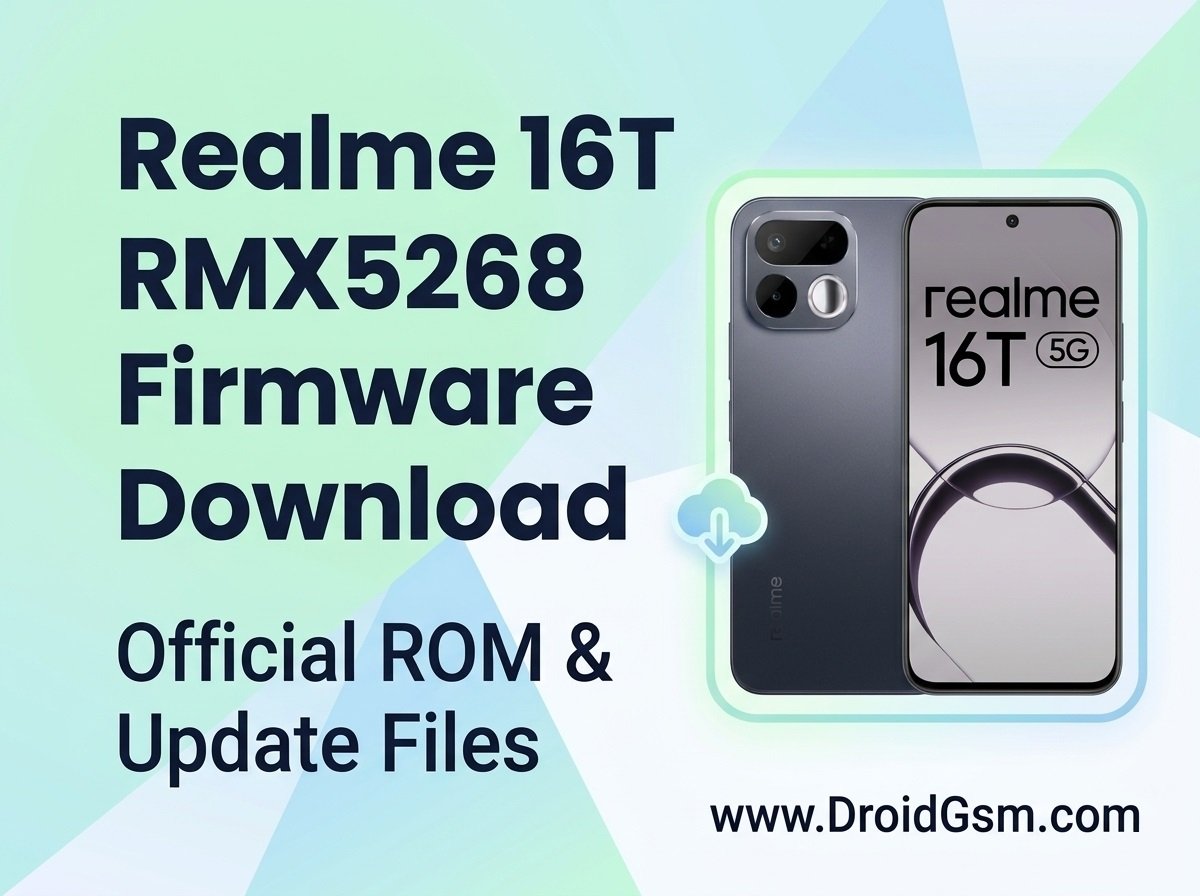
How To Flash Realme 16T 5G RMX5268 With Official Flash File
Realme 16T 5G Software Issues & Official Firmware Guide:-
The Realme 16T 5G is a highly capable smartphone, but like any mobile device, its system software can occasionally encounter performance bottlenecks, corrupt files, or boot loops over time. If your device is running slowly, apps are crashing consistently, or you are facing severe operating system hangs, reloading the original system software is often the most definitive way to restore your phone to factory-fresh performance.
This guide breaks down the most frequent software problems on the Realme 16T 5G and outlines the safe, verified methods to refresh your device’s system code.
Battery & Charging:-
- Battery Capacity: 8000 mAh (Typical) / 7780 mAh (Rated) single-cell Titan battery.
- Charging Speed: 45W SUPERVOOC Fast Charging.
- Extra Features: Supports Reverse Charging and Bypass Charging.
- Lifespan Guarantee: 7-year battery health longevity configuration.
Performance & Hardware:-
- Processor CPU (SoC):- MediaTek Dimensity 6300 (6nm, 8-core CPU up to 2.4 GHz).
- Graphics (GPU):- ARM Mali-G57 MC2.
- RAM:- 6GB / 8GB LPDDR4X (Supports up to 10GB Dynamic RAM expansion).
- Storage:- 128GB / 256GB UFS 2.2 (Expandable via dedicated microSD slot).
- Cooling:- 5300mm² AirFlow Vapor Chamber (VC) cooling system.
Display:-
- Screen Size:- 6.81 inches LCD Display.
- Refresh Rate:- 144Hz maximum ultra-smooth refresh.
- Resolution:- HD+ (1570 x 720 pixels), 20:9 aspect ratio.
- Brightness:- 975 nits (Typical) / 1200 nits Peak Sunlight Brightness.
- Glass Protection:- Heavy-duty Panda-1681 Glass.
Cameras:-
- Rear Setup:- 50MP Sony AI Main Camera (f/1.8) + 2MP Monochrome auxiliary lens.
- Front Setup:- 16MP Selfie Camera.
- Special Hardware Feature:- Features a physical Rear Selfie Mirror variant on the camera module shell.
Design & Build Quality:-
- Durability:- MIL-STD-810H Military-Grade Shock Resistance.
- Water Protection:- IP69K Pro Water and Dust Resistance (Withstands high-pressure hot water sprays).
- Biometrics:- Side-mounted Fingerprint Sensor & Facial Recognition unlock.
Connectivity & Software:-
- Network bands:- Dual SIM 5G (SA/NSA), VoLTE, Wi-Fi 5, Bluetooth 5.3
- Operating System:- realme UI 7.0 running on top of Android 16 out of the box (Guaranteed 3 major OS upgrades up to Android 19).
Common Realme 16T 5G Software Issues:-
Before downloading large system files, it helps to identify the exact nature of the software issue you are facing:
- Boot Loops and Hanging Logos:- The device gets stuck indefinitely on the Realme animation sequence during startup, usually caused by a corrupted system update or conflicting application cache.
- Frequent App Crashes:- Core system UI apps or third-party tools force close immediately upon launch, indicating deep-rooted directory corruption.
- Severe Battery Drain or Overheating:- Post-update optimization glitches that keep the CPU running at maximum frequency even when the phone is idle.
- Network & Connectivity Drops:- Wi-Fi or 5G toggles freezing up or failing to authenticate correctly due to corrupted modem partitions.
Understanding the Realme Flashing Ecosystem:-
Modern Realme devices utilize a secure bootloader environment designed to protect users from malicious software modifications. Unlike older Android models, full flashing via a computer requires Server Authentication (Auth Flashing) to verify that the firmware being installed is original and unaltered.
Because unauthorized third-party flash tools can bypass critical security partitions and permanently damage the motherboard (hard bricking), it is highly recommended to stick to official recovery methods or verified OTA (Over-The-Air) packages.
Method 1:- Repair via Recovery (For Software Refresh):-
If your phone is functioning well enough to browse menus or boot into Recovery Mode, you can perform a safe system overwrite:
-
- Turn off the device completely.
- Press and hold the Volume Down and Power buttons until the Realme logo appears to enter Recovery Mode.
- Select English and utilize the Format Data feature (using the unique verification code displayed on your screen) to scrub bad caches and reset core system variables safely.
Method 2:- Official System Reflash Via Auth Flashing (Paid Service)
If the phone is completely unresponsive or stuck on a black screen, use any paid auth flashing tool to install clean system.
Method 3:- Service Center Repair
If your phone won’t turn on or is stuck on a black screen, service center technicians can manually reinstall the software using their official computer tools.
Official Realme 16T 5G Flash File Downloads
RMX5268export_11_16.0.5.715EX01_2026040300210000 (Project ID:- 25747)
To ensure the safety, stability, and integrity of your smartphone, you should always download official system images directly from trusted source servers. Using unverified firmware files from random forums can lead to malware exposure or structural hardware failures.